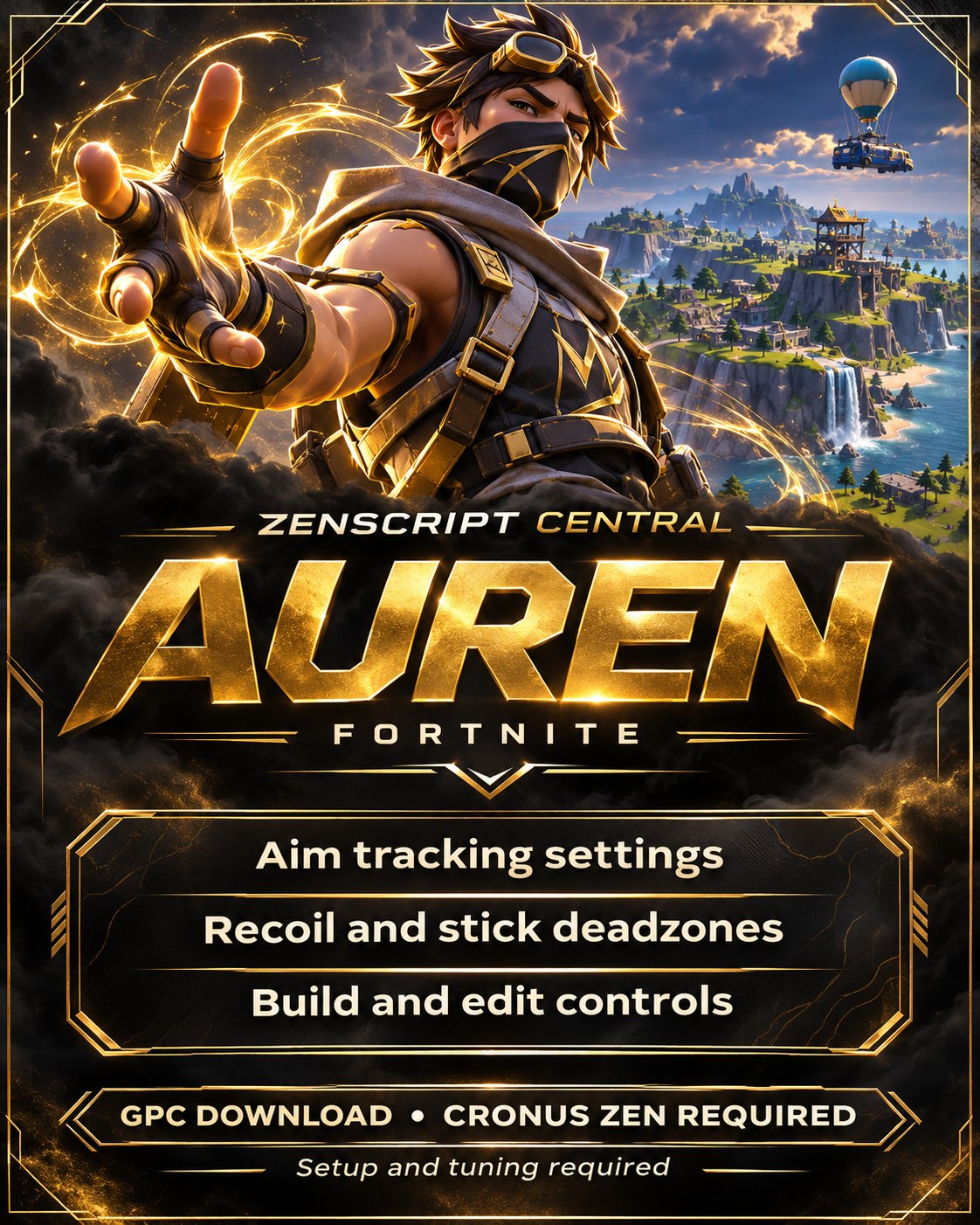

Setup and tuning
Fortnite Cronus Zen setup guide
Install the script
Connect the Cronus Zen to Zen Studio, open and compile the downloaded GPC, program it to a memory slot, then select that slot on the device.
Choose a starting setup
Match the Auren setup to your actual Linear or Exponential response curve and controller layout. The published starting values include aim radius 6 on both axes and left-stick deadzone 5.
Test and save
Test aim and movement first in a private practice session. Check building and editing separately, then reopen the menu to confirm the profile saved.
Published values are starting points. Check the settings available in your downloaded build.
CzenScripts settings reference · Ask for setup help in Discord