





Call of Duty Cronus Zen setup guide
Install the script
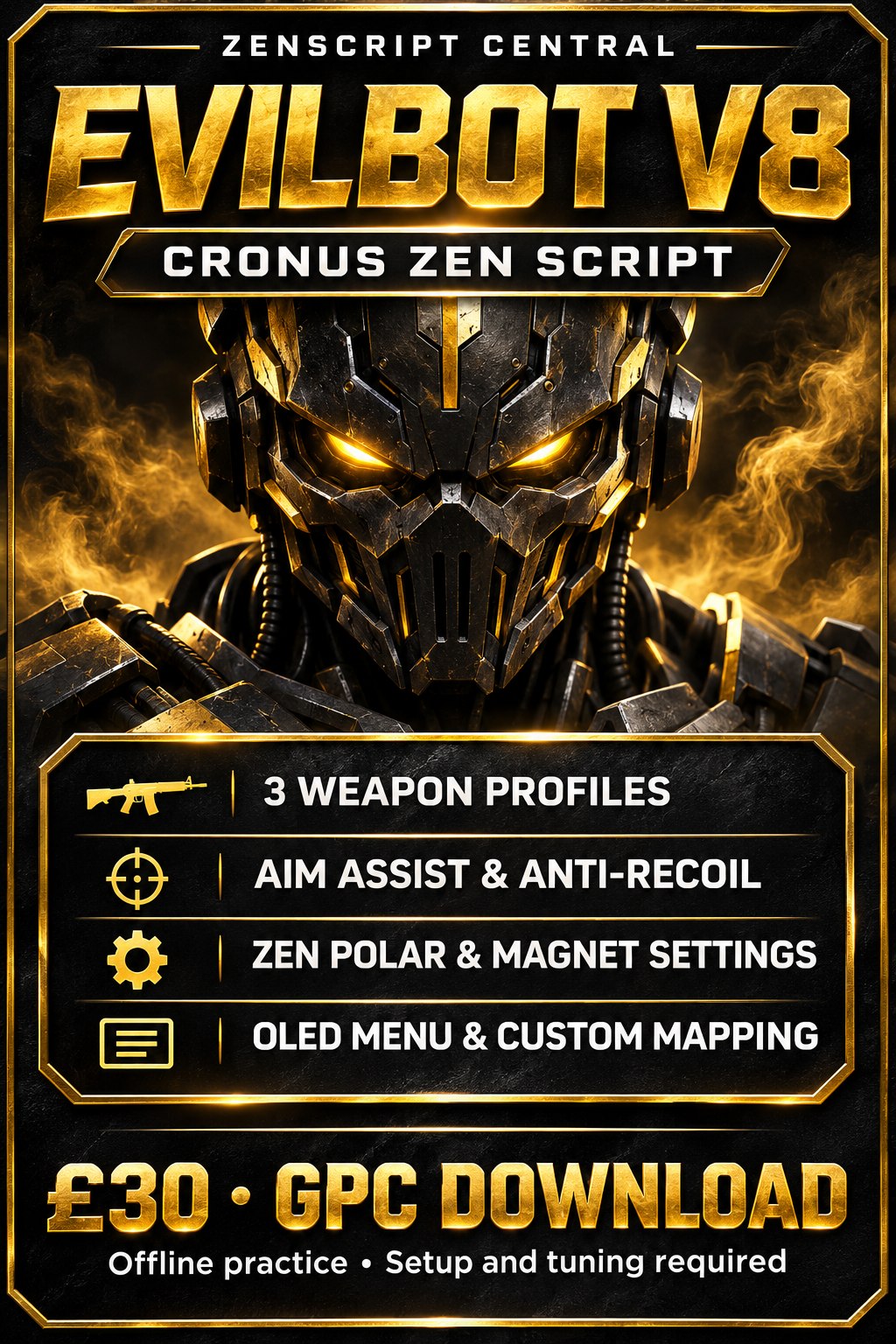
Connect the Cronus Zen to Zen Studio, open and compile the downloaded GPC, program it to a memory slot, then select that slot on the device.
Choose a starting setup
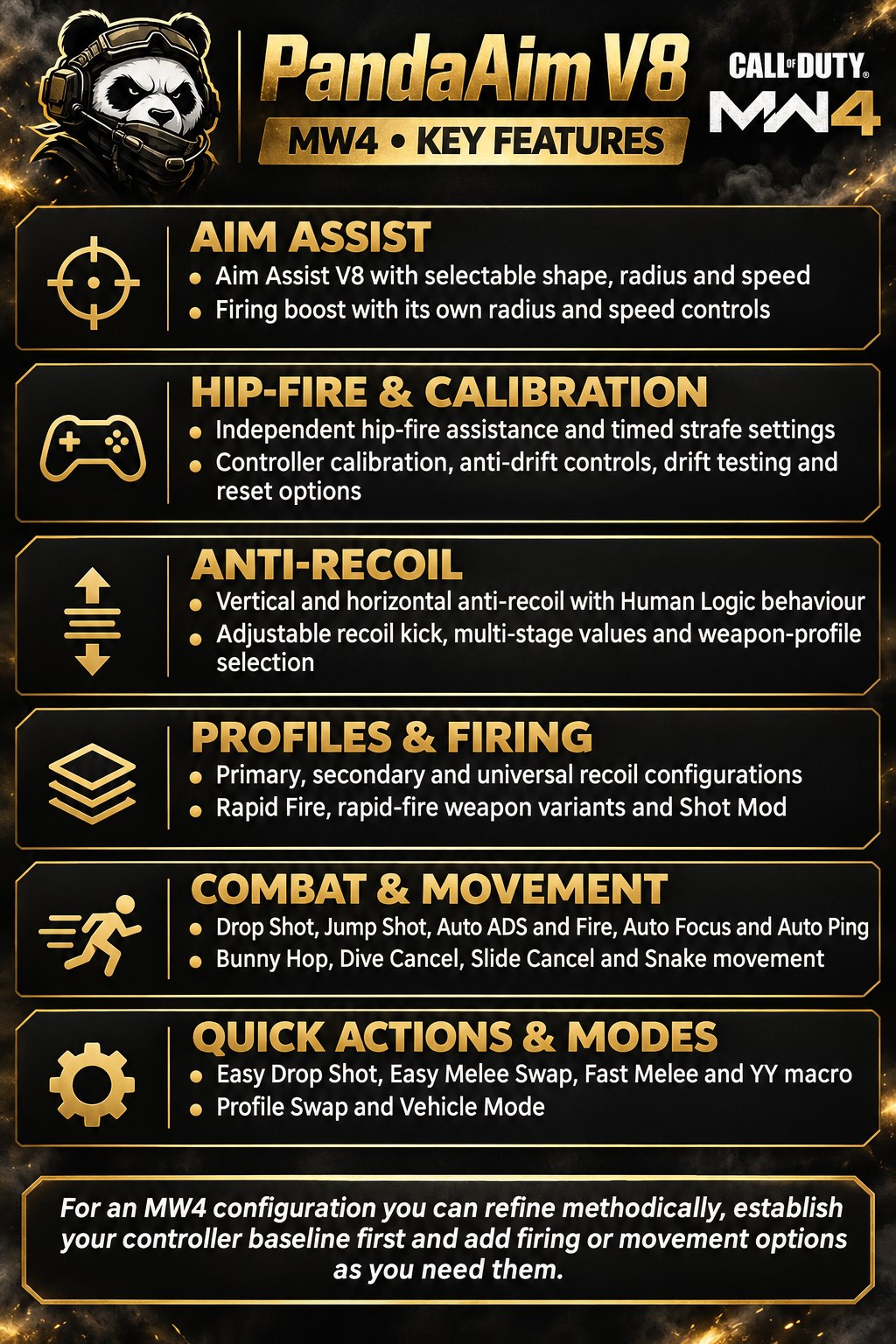
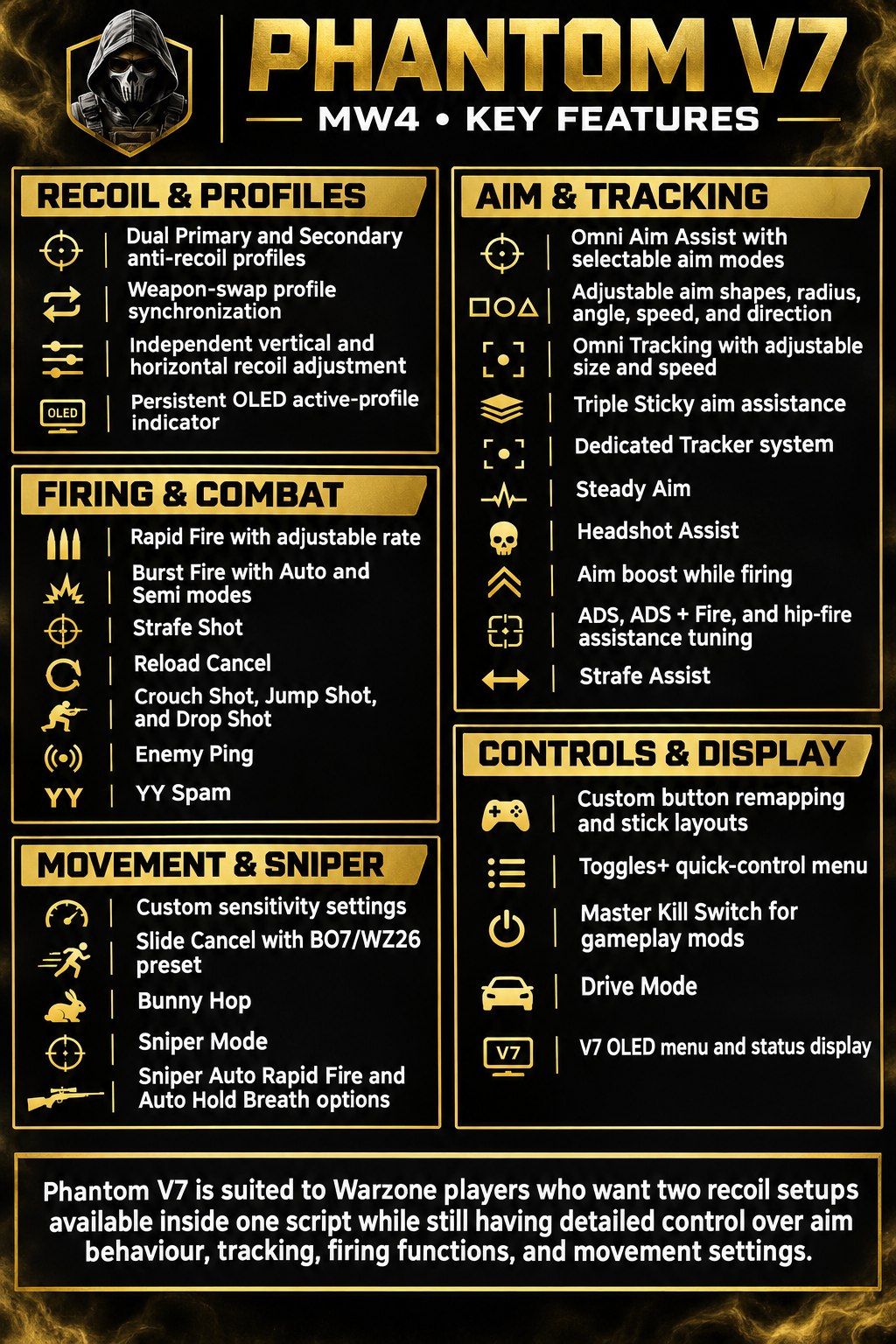
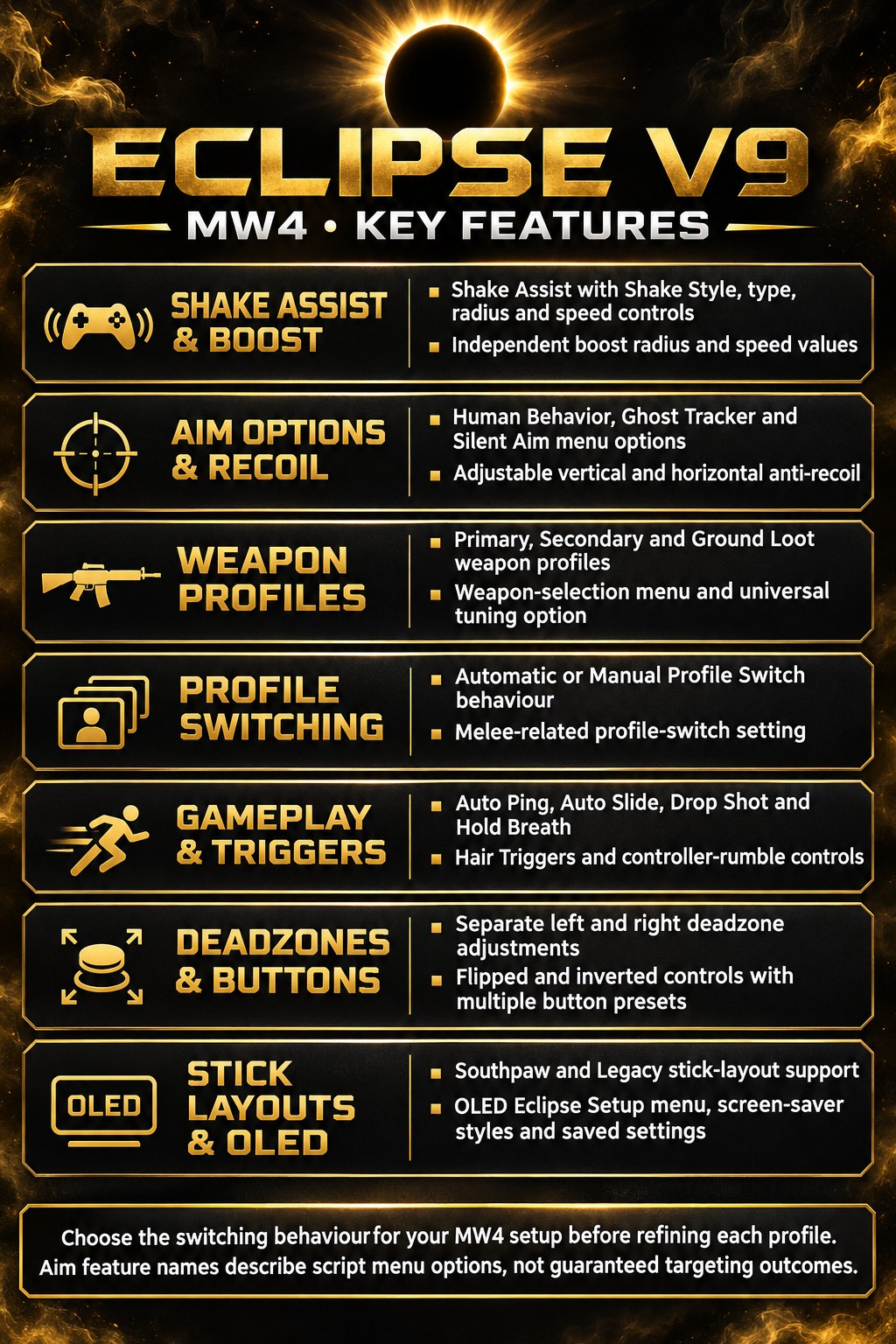
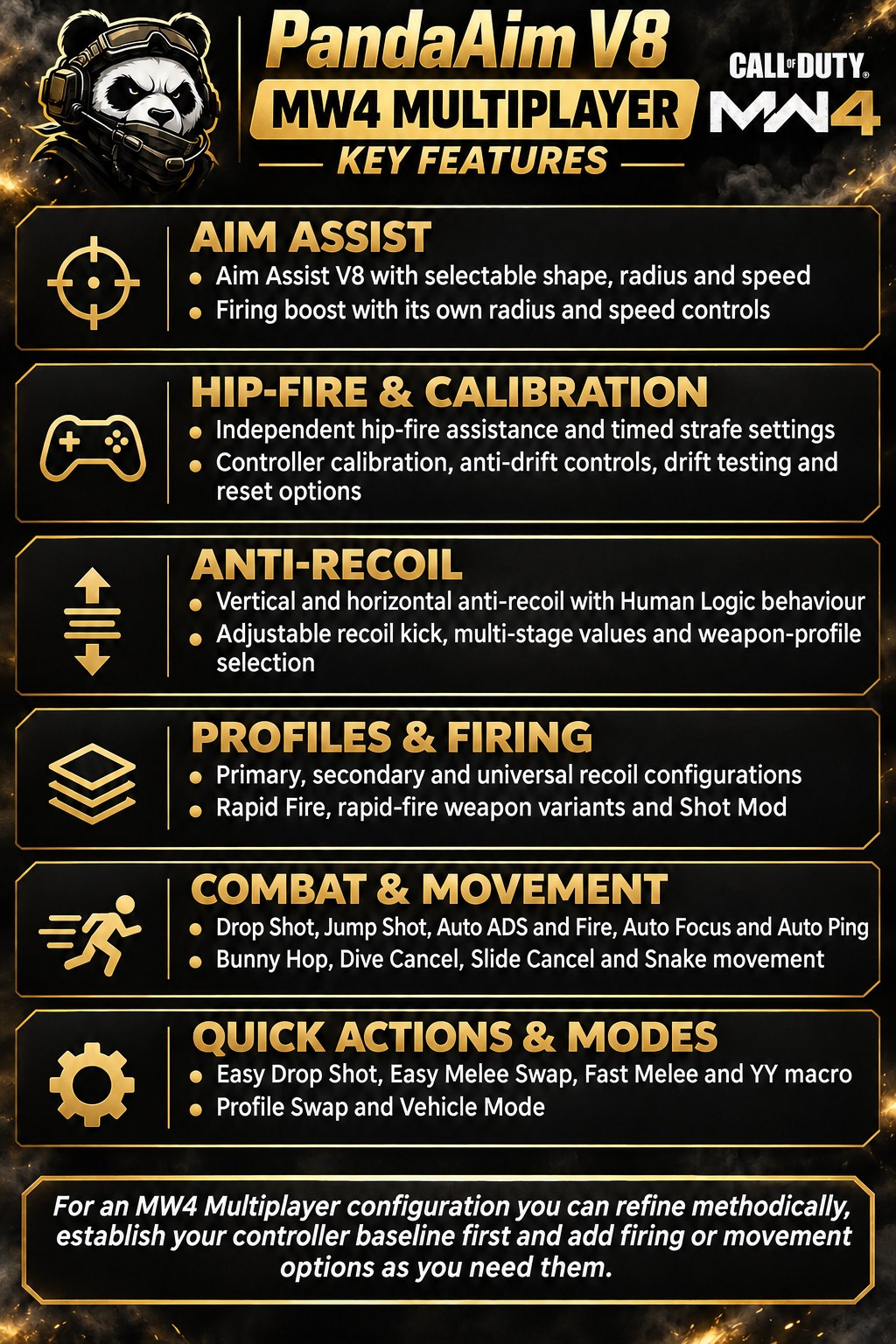
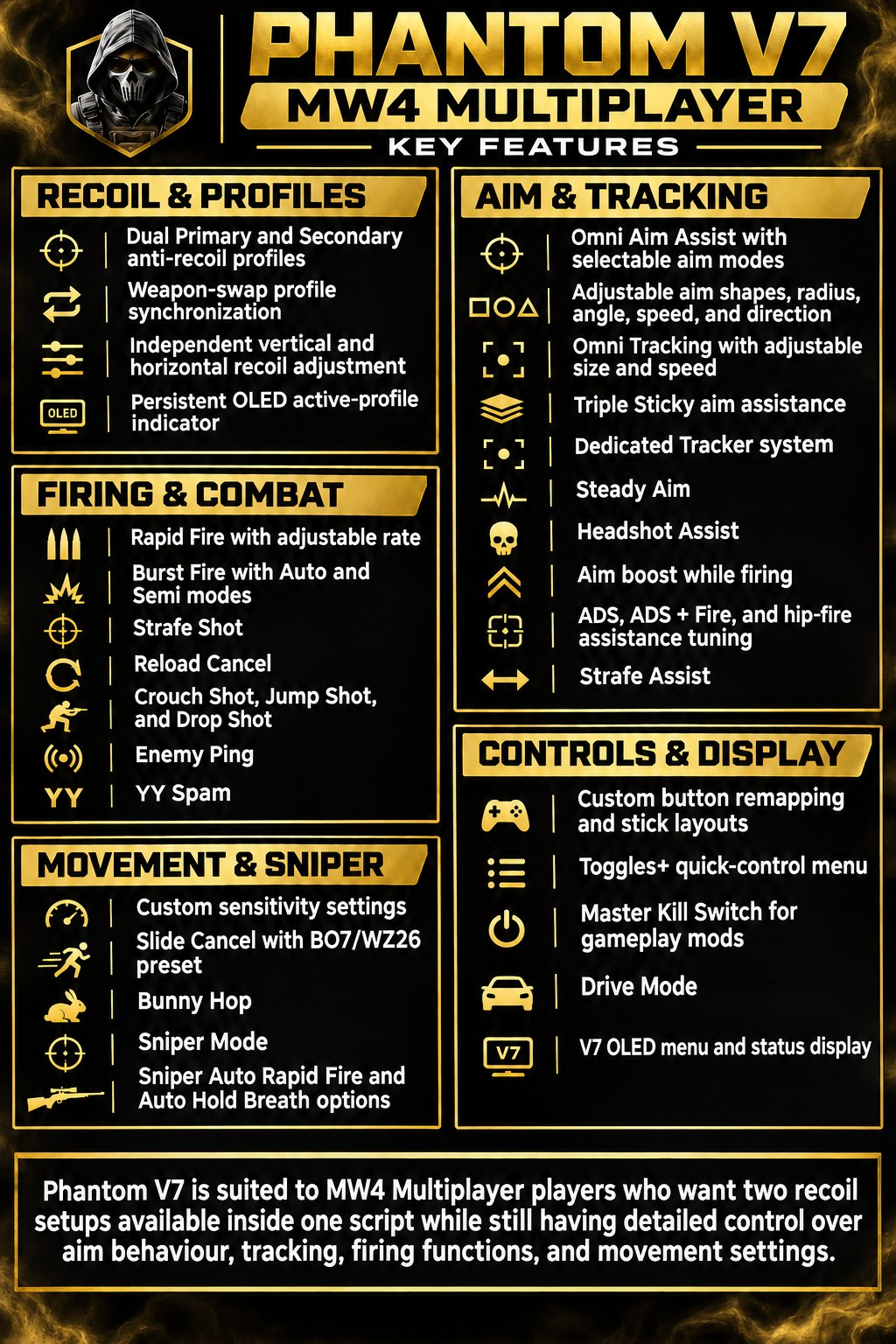
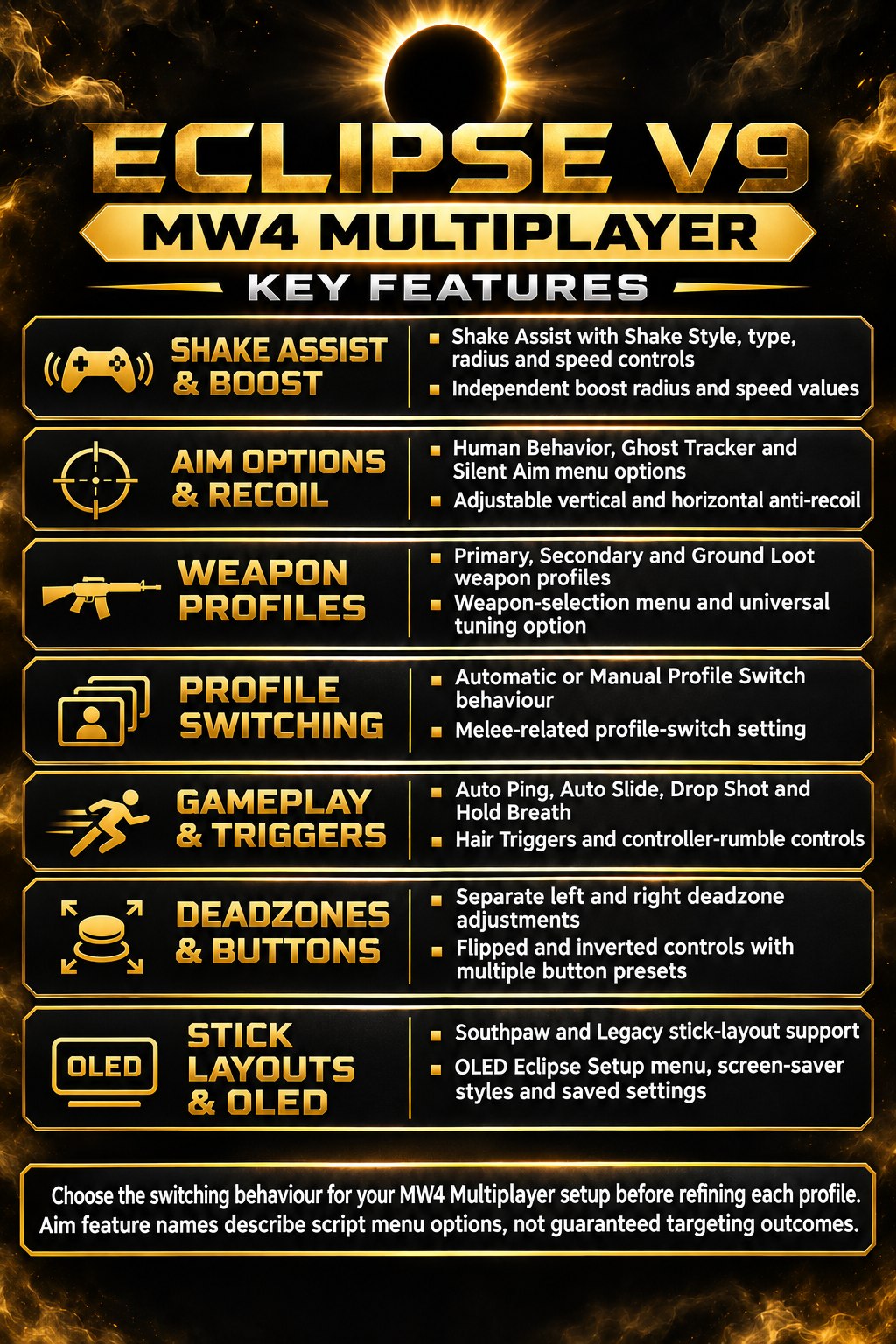
Panda Aim V8: calibrate the controller and check for stick drift before tuning a weapon profile. Phantom V7: confirm the OLED changes between Primary and Secondary as you swap weapons. Eclipse V9: choose automatic or manual switching and check the active profile before changing Shake Assist.
Test and save
Use the same sensitivity, optic and weapon attachments between tests. Change tracking and recoil separately. Start with primary and secondary loadout profiles for Multiplayer.
Published values are starting points. Check the settings available in your downloaded build.
CzenScripts settings reference · Ask for setup help in Discord