
Setup and tuning
Battlefield 6 Cronus Zen setup guide
Install the script
Connect the Cronus Zen to Zen Studio, open and compile the downloaded GPC, program it to a memory slot, then select that slot on the device.
Choose a starting setup
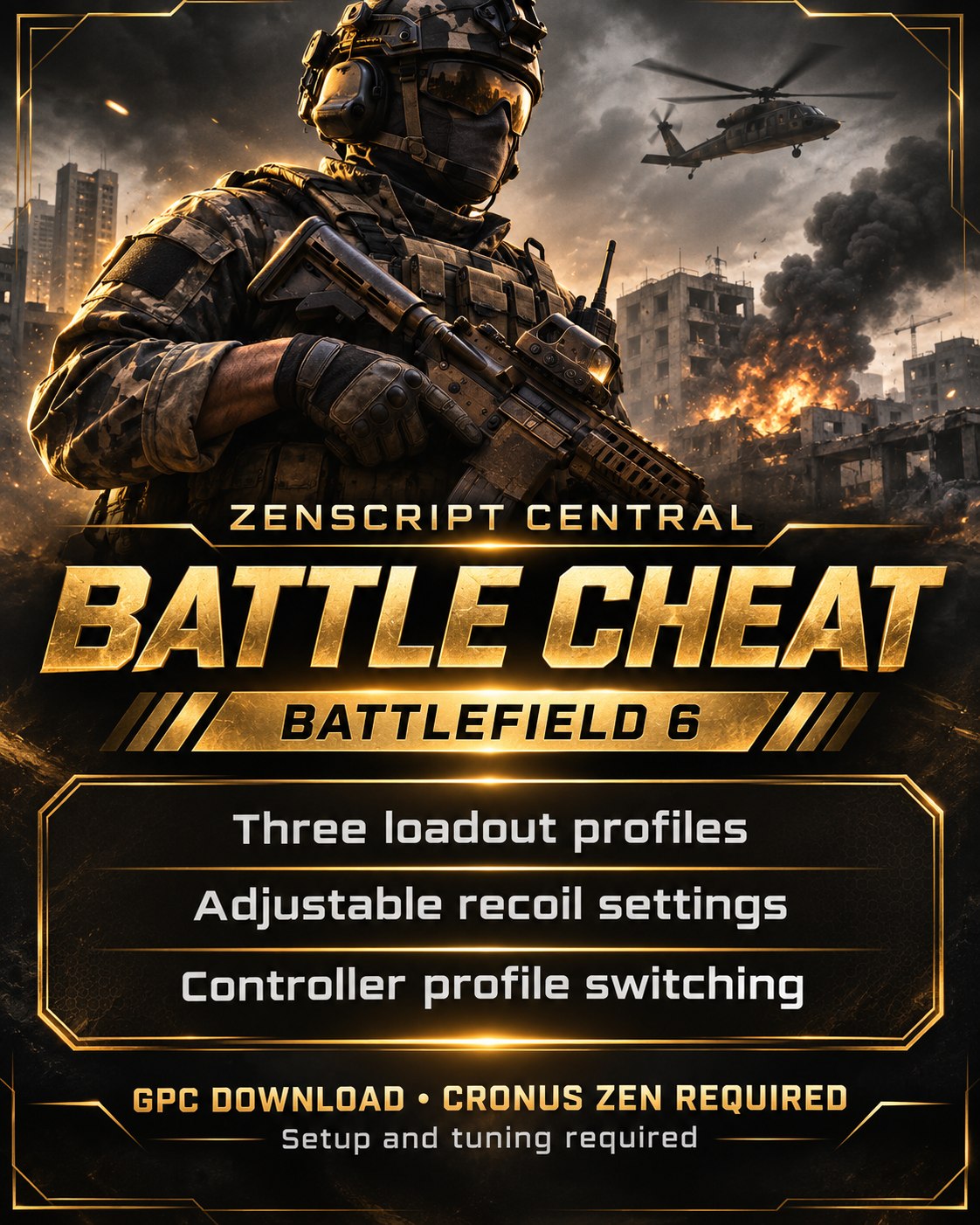
BattleCheat has Primary, Secondary and Loadout 3 profiles. The documented shortcut is ADS plus Options/Menu. Tap Triangle/Y to switch between the first two profiles or double-tap for Loadout 3. Check the OLED before editing.
Test and save
Keep your weapon and optic the same for each test. Adjust vertical and horizontal recoil separately and confirm the other profile still has its intended values.
Published values are starting points. Check the settings available in your downloaded build.
CzenScripts settings reference · Ask for setup help in Discord