
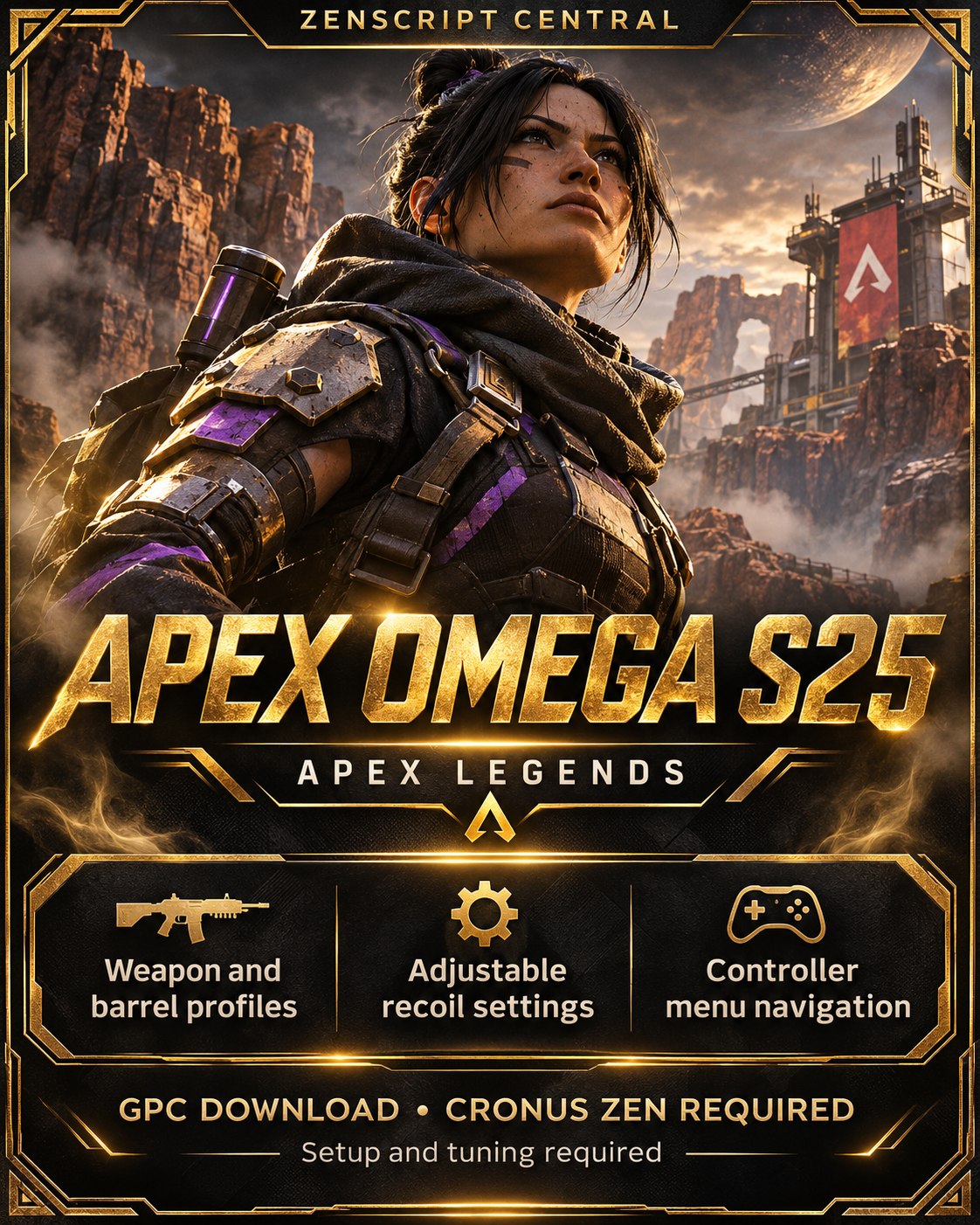
Setup and tuning
Apex Legends Cronus Zen setup guide
Install the script
Connect the Cronus Zen to Zen Studio, open and compile the downloaded GPC, program it to a memory slot, then select that slot on the device.
Choose a starting setup
Select the correct primary and secondary weapons in Predator. Its published script deadzone baseline is 5. Barrel correction depends on the attachment tier, so check the barrel equipped before comparing settings.
Test and save
Use the firing range and keep the weapon and attachments constant. Swap weapons and confirm the OLED follows. Use the resync controls if the displayed profile is wrong.
Published values are starting points. Check the settings available in your downloaded build.
CzenScripts settings reference · Ask for setup help in Discord