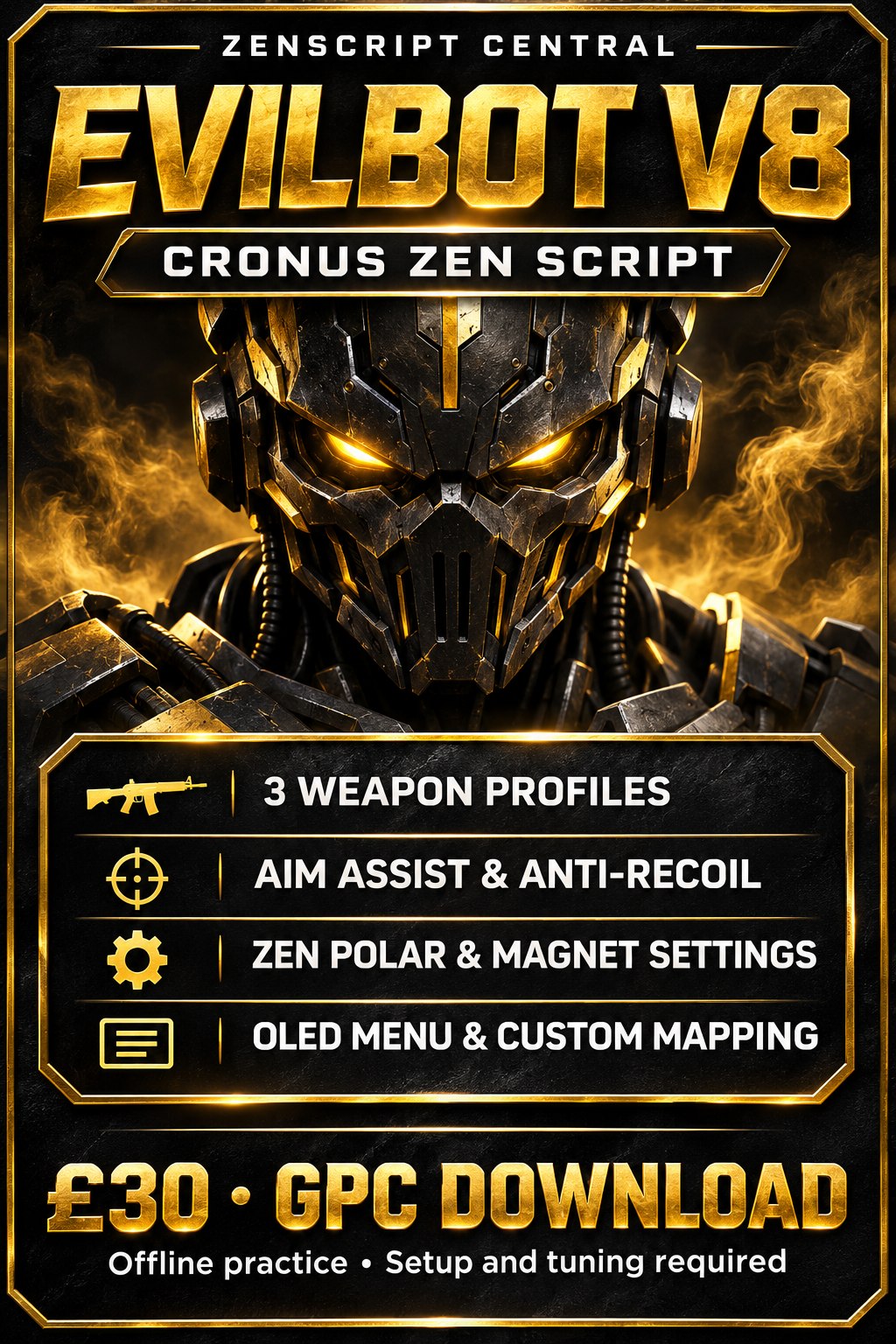
EvilBot V8
Call of Duty. Your profiles, saved.
Configure per-profile aim assist and anti-recoil with Zen Polar, Magnet Strength and Magnet Speed. Use the OLED menu, choose a preset and map your controller buttons.
£30 · GPC + operating guide
Digital download only. Hardware not included. Setup and tuning required. Confirm compatibility before buying if unsure.
Source And Scope
Prepared from EvilBot V8(1).gpc (110,068 bytes). The supplied script is obfuscated. The features and operating controls below come from its embedded instructions and menu labels; they are not independently verified gameplay results. The seller identifies this product for Call of Duty (Warzone and Multiplayer). No supported firmware version, minimum software version, or complete installation walkthrough is specified in the embedded guide. Confirm your setup with ZenScript Central before buying if unsure.
What Is Included
The original GPC script, unchanged, plus this text guide. This is a digital download; no Cronus Zen hardware or controller is included.
Features Documented In The Script
- Per-profile Aim Assist and Anti-Recoil. - Three profiles: Primary, Secondary and Ground Loot, with OLED feedback. - Aim Assist, Anti-Recoil and Configuration menu categories. - Zen Polar controls and adjustable Magnet Strength / Magnet Speed. - Presets: Disabled, Balanced, Aggressive, Smooth and Sticky. - Each profile remembers its own preset. Selecting a non-Disabled preset enables Zen Polar and applies Aim Assist values for that profile. Disabled turns Zen Polar off for that profile. Documented strength presets span 7 (Smooth) to 15 (Aggressive). - Custom button mapping, button layout and stick layout settings. - Automatic saving when exiting the menu with Circle / B. - Whole-script ON/OFF kill switch. - The header documents automatic VM-speed detection per console/controller and automatically scaled wait timings. - Additional menu labels include Magnet Aim, Tracking V2, Ghost Tracker, Human Output, Anti-Drift, Hair Triggers, Rumble Block, activation type, left/right stick deadzones, and vertical/horizontal recoil start, end and time. These labels describe configuration options, not performance guarantees.
Menu Controls (Playstation / Xbox)
Open: Hold L2 / LT and press Options / Menu. Main menu: D-pad Up / Down selects a category. Cross / A enters it. Circle / B saves and exits to the title screen. Inside a category: D-pad Left / Right scrolls through settings. D-pad Up / Down adjusts the selected setting. Single press for toggles; hold for rapid numeric adjustment. Circle / B saves and returns to the main menu. Controller inputs are blocked while the menu is open.
Custom Button Mapping
Set Button Layout to Custom, then press Cross / A. Hold each physical button for at least 400 ms to map the prompted action. Use D-pad Left / Right to move between actions. Press Right on the last action to save the mapping and return to the title. Circle / B is mappable and does not exit the mapper.
Quick Actions — Menu Closed
L2 / LT + D-pad Right: cycle Primary, Secondary and Ground Loot profiles. Tap Triangle / Y (Swap Button): cycle Primary and Secondary only. L2 / LT + Share / Back: toggle the whole script ON / OFF. L2 / LT + R1 / RB + Up: Magnet Strength +1. L2 / LT + R1 / RB + Down: Magnet Strength -1. L2 / LT + R1 / RB + Left: Magnet Speed -5. L2 / LT + R1 / RB + Right: Magnet Speed +5. L2 / LT + L1 / LB + Left: previous Zen Polar parameter. L2 / LT + L1 / LB + Right: next Zen Polar parameter. L2 / LT + L1 / LB + Up: Zen Polar value +1. L2 / LT + L1 / LB + Down: Zen Polar value -1. Strength, speed and Zen Polar adjustments show 2.5 seconds of OLED feedback.
Using Presets
Open Aim Assist, scroll to Presets, then use Up / Down to choose: Disabled -> Balanced -> Aggressive -> Smooth -> Sticky. Settings are profile-specific. Select and tune the intended profile.
Installation And Support
The embedded instructions explain operation, not installation. The GPC file has not been compiled or tested on physical hardware in this review. For installation guidance and setup checks, contact ZenScript Central: https://discord.gg/deVAtBzqv Do not assume compatibility with every game, console, controller or firmware. Setup and tuning are required; no guaranteed results or anti-cheat assurances.
Offline Use And Customer Responsibility
For offline, personal testing and practice only where permitted by applicable game, platform and device rules, consistent with the store's use notice. Do not use in online, ranked or competitive play or bypass security measures. Check the applicable rules before purchase and use. Statutory consumer rights and the seller's legal responsibilities remain unchanged.